Orbital Pathfinder Review
Shape & Size
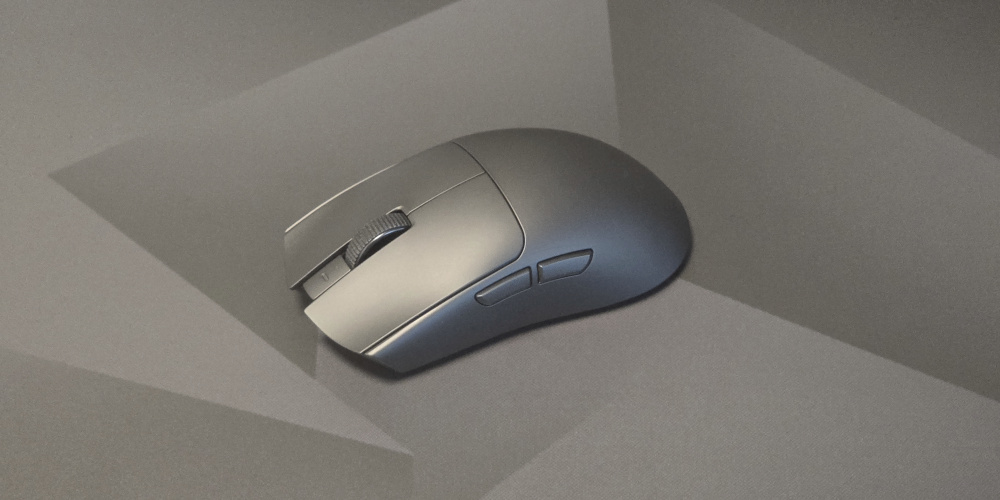
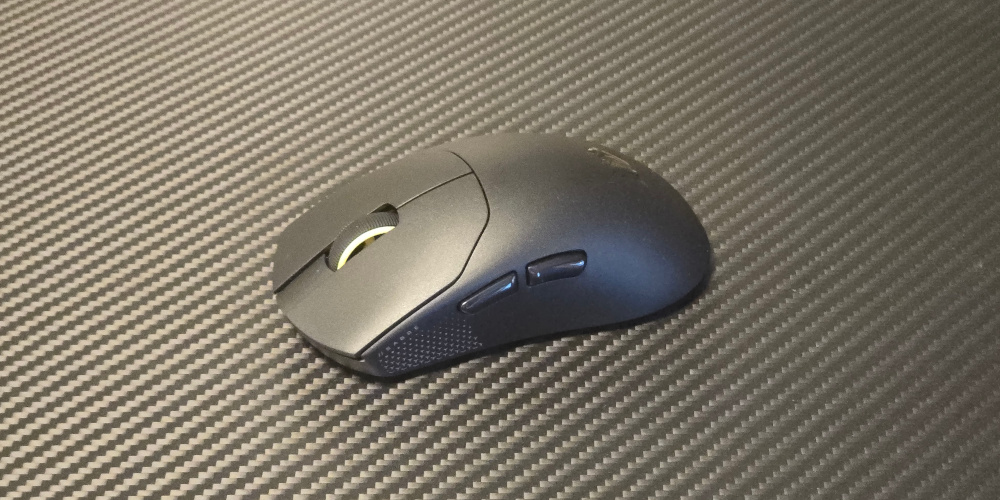
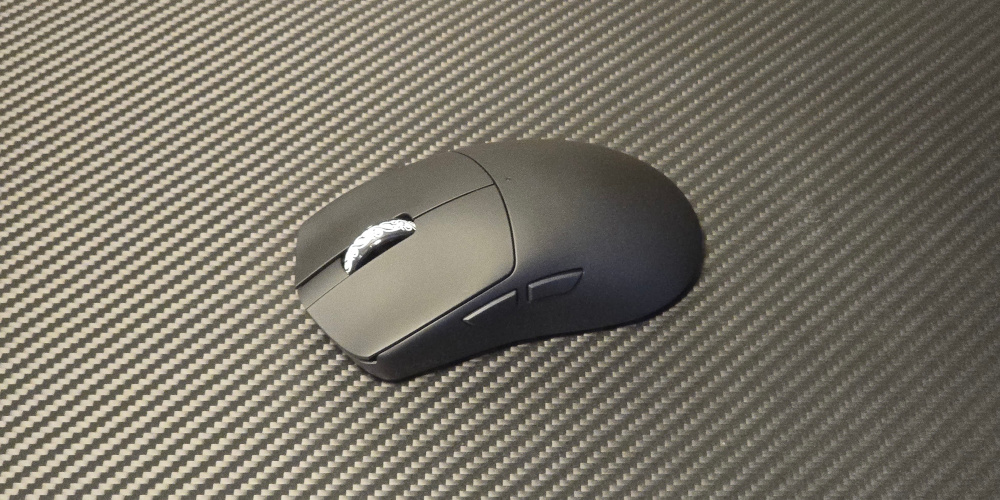
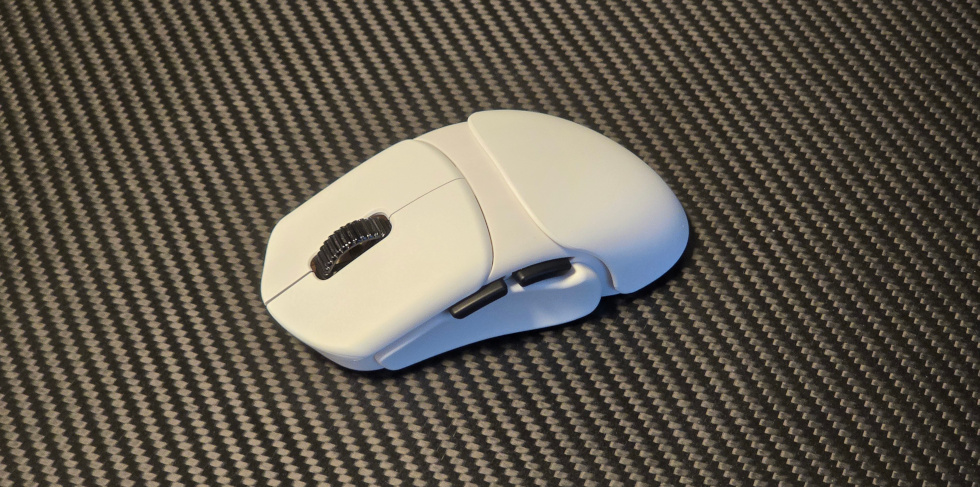
The Orbital Pathfinder is very unique because it has a modular shape and size. Unlike other modular mice that only change the back-hump, the Pathfinder can change the left-side, right-side, and hump, and you can add spacers to each to extend them further from the core body. This means you can choose a base left/right/hump shape and then change the dimensions with spacers.
The mouse uses a “variant code” with 3 letters and 3 numbers. The first three characters select the left, right, and hump shapes. The numbers select spacer size for left, right, and hump: 0 = none, 1 = small, 2 = large, 3 = small+large. Size ranges are wide: length 118-129 mm, width 58-69.5 mm, height fixed at 38 mm. The left has 4 shapes, the right has 7, and the hump has 4.
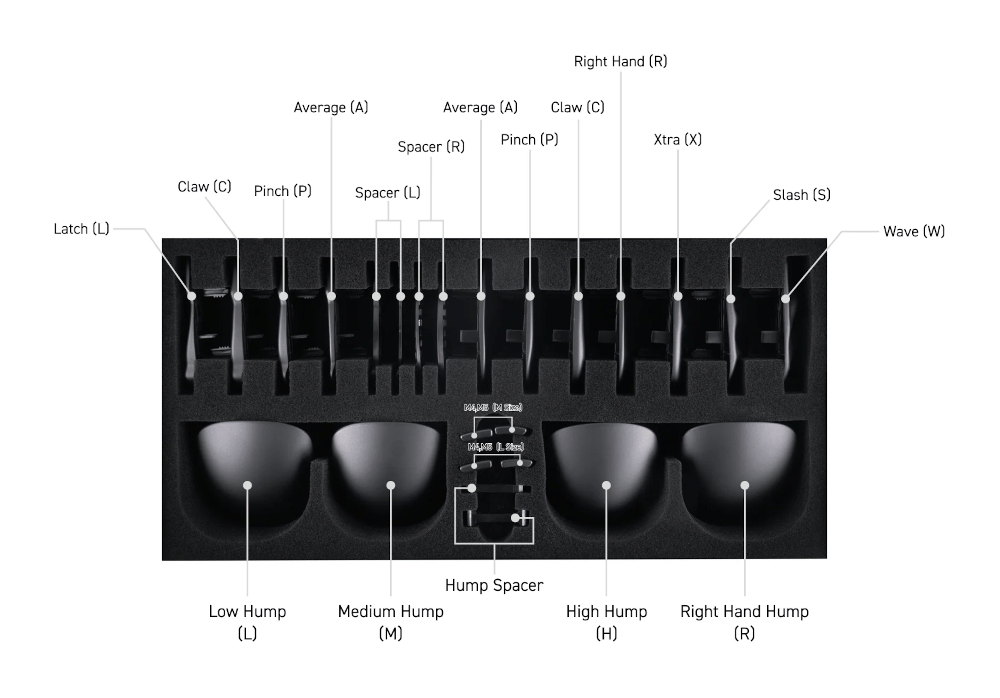
My favorite configuration was LRR-000: “Latch” left (outward curvature toward the back for more thumb support), “Right hand” right (similar rear curvature for more support, making the right-side feel more like an ergonomic mouse), and “Right hand hump” (medium profile with ergonomic tilt suited for right-handed users, again making it feel more like an ergonomic mouse). I also tried more aggressive options like “Claw” on both sides for stronger inward curvature. I also tried using the special right-side grips that provide locked-in pinky- and ring-finger placements. They were comfortable to use but since I am not used to mice with this type of finger placements, I ended up having very inconsistent aiming. Had I used these grips more consistently, I might have improved my aim, but I found that the LLR-000 configuration worked best for me. In terms of the humps, I found that the “Right hand hump” and with 0 spacing worked best for me. Even though I tried using different hump-configurations for a long time, I always ended up going back to the same configuration.
Overall, the Pathfinder's adjustability makes it easy to find a configuration that works for you and is a great way to try many shapes without buying multiple mice.
Packaging
Coating
The coating is good. It remains grippy and consistent under changes in temperature and humidity and does not pick up oil or dirt easily. It is better than many mice on the market, but does not quite match what Zowie, Endgame Gear, and Razer offer.
Build Quality
Build quality is great, though it can vary slightly with more spacers and pieces. Added parts introduce very slight flex in some areas, but not in ways you notice in regular use. Only the hump shows noticeable flex when intentionally bent because it does not make full contact with the core shell at the edges but there is no impact on normal usage.
Weight
Weight depends on configuration, but not by much. The lightest setup is 52 grams (AAM-000) and the heaviest (CCH-222) is 55.9 grams. Larger configurations feel almost lighter relative to their size since large mice are usually much heavier. I found ~55g very good for larger configurations. On smaller configurations, the weight felt a bit high compared to sub-45g mice I currently use, but it was not a big problem and only a slight adjustment period was needed for it to feel "normal" to use the slightly higher weight.
Skates
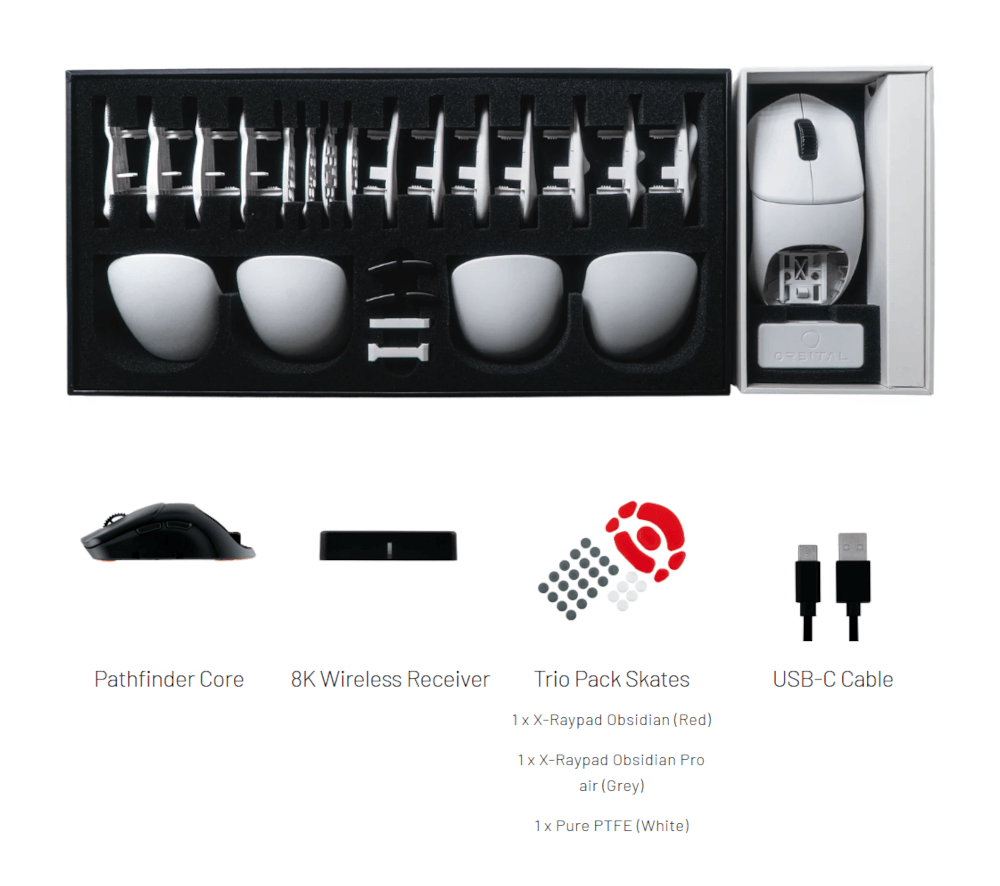
The mouse comes pre-installed with white PTFE dot skates that feel good and similar to what many pre-installed skates on other mice feel like. It also includes a set of fitted X-Raypad Obsidian (Red) skates and X-Raypad Obsidian Pro Air (Grey) dot skates. I switched to the Obsidian (Red) set as it provided a smoother and more consistent glide on glass compared to the white stock dot skates.
Buttons & Scroll Wheel
The main buttons use Omron Optical switches rated for 70M clicks. They are light, easy to spam-click, and well implemented. There is no noticeable pre- or post-travel and no side-to-side wobble.
Side buttons are also size-configurable (small, medium, large) to match spacer width. They also have no noticeable pre- or post-travel and no wobble.
The scroll wheel uses the TTC Gold encoder and feel very similar to most mice using this same encoder. It is very tactile and requires a moderate amount of force to scroll up and down.
Sensor & Performance
The Pathfinder uses the PixArt PAW3950 sensor and is capable of 8000 Hz polling rate with the included dongle. As expected with this sensor, performance feels flawless and I had no issues during my testing of this mouse.
Conclusion
The Orbital Pathfinder costs $189. Its modular system enables 3000+ configurations, making it very likely you will find a shape that fits your hand size and grip style. It is also a cost-effective way to try many shapes in one product. Alongside the unique design, it has very well-implemented Omron Optical switches, a TTC Gold encoder, and the latest PAW3950 sensor. If you want the most unique mouse on today's market and to experiment with many shapes and sizes in a single product, the Orbital Pathfinder is highly recommended.